MemeDash Official Links
Trusted destinations for MemeDash—play page, studio group, and every major section of this wiki.
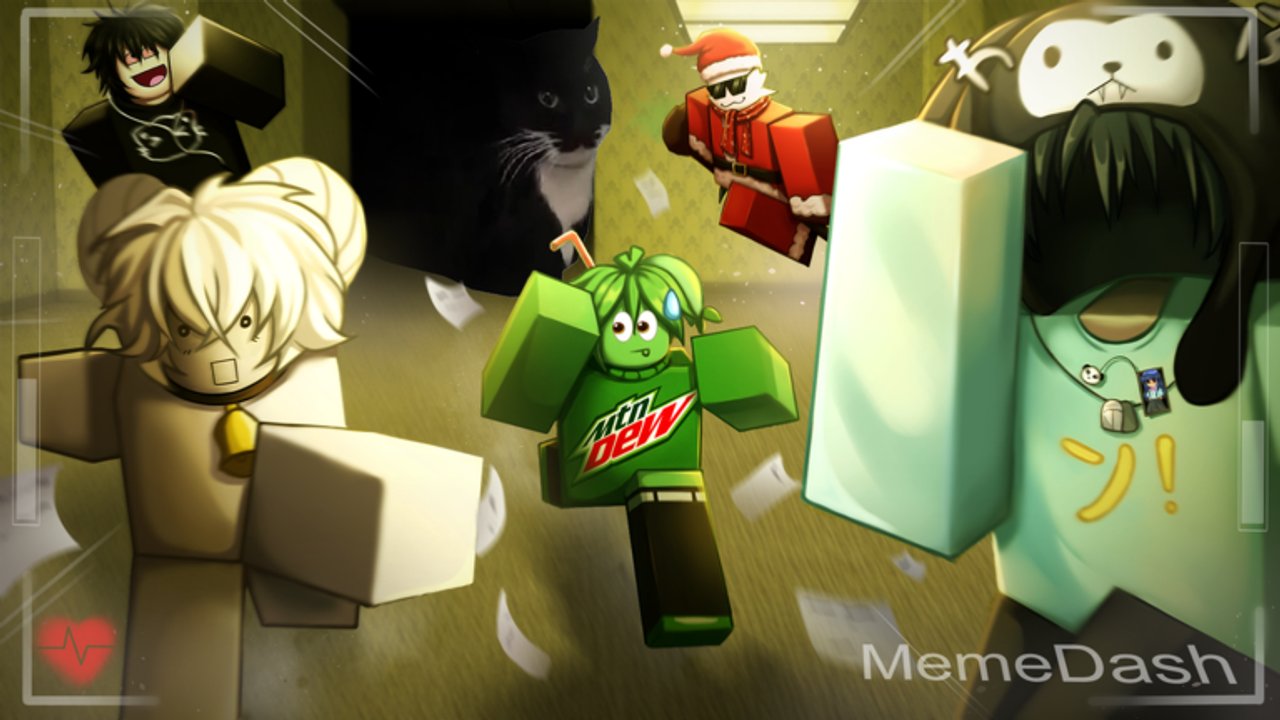
This Official Links hub is the safe starting point for MemeDash (Roblox) by Coleslaw Studio. Bookmark it when you need the real play URL, the studio group, or a clean map of this fan wiki’s hubs. MemeDash is an early-access BETA v0.6 survival parkour game about bunny hopping, air strafing, sliding, and keeping momentum while you outrun chaos. Links below prefer primary Roblox destinations and internal wiki routes with trailing slashes.
Official Roblox destinations
| Resource | Link | Why it matters |
|---|---|---|
| MemeDash place | Play MemeDash on Roblox | Canonical experience (universe ID 10388903695) |
| Coleslaw Studio group | Search Coleslaw Studio on Roblox Groups (official MemeDash group) | Patch posts, community signals, event hints |
Always launch from the official place page above. Mirror links floating around social apps can be phishing traps—hover carefully and confirm the roblox.com host.
Quick facts while you join
- Status: early-access / BETA v0.6 (created 2026-06-24, still developing)
- Genre: survival / fast-paced movement parkour
- Server size: 15 players
- Maturity: Mild · Avatar: R6
- Inspiration touchstones: EVADE, Garry’s Mod freerun energy
- Context stats: millions of visits, peak CCU near ~3410, like ratio near ~82%
Deeper patch storytelling lives on v0.6 Patch Notes and the Updates Hub.
Wiki hubs (start here)
Use these category landings to navigate the whole site without hunting the header:
Play and progress
- Codes Hub — honest promo table (empty until confirmed codes exist)
- How to Redeem Codes — menu steps with [M] when a code drops
- Guides Hub — skill curriculum for movement
- Getting Started — day-one orientation
Movement mastery
Players and controls
- Players Hub
- Controls — [G] Emote, [C / Left Ctrl] Crouch/Slide, [M] Menu, [N] VIP Menu, [Z] Zoom
Patches and safety
- Updates Hub
- v0.6 Patch Notes — Halloween [🎃] → PT2 → v0.6, servers 10→15, VIP panel
- Scripts Hub — feature vocabulary + ToS ban warnings (no downloads)
- Movement Scripts — fly/speed/noclip/ESP glossary with safety focus
How to use this links page
- New player? Open the official Roblox place, then read Getting Started and Controls.
- Returning after a patch? Skim Updates and retest a line from Bunny Hopping.
- Hunting gifts? Check Codes first—never trust random DMs. Redeem help is on How to Redeem Codes.
- VIP host? Join your VIP server and press [N] for the official panel described in v0.6 notes.
- Saw a script hub ad? Read Scripts before risking the account that holds your limiteds.
Community etiquette and trust tips
- Prefer Coleslaw Studio group posts over anonymous leaks.
- Do not buy code lists or executor keys.
- When sharing this wiki, send hub URLs with trailing slashes (example:
/guides/). - Report phishing place copies through Roblox; then return here for the verified universe ID.
- Remember this site is a fan-made wiki—helpful, independent, and aligned to public facts, not a studio dashboard.
Relationship to other categories
The header groups pages by keyword. This Official Links page sits in the links category so you always have a single bookmark that fans out everywhere else:
| Need | Go to |
|---|---|
| Rewards | /codes/ |
| Skill guides | /guides/ |
| Ranked techs | /tier-list/ |
| Binds and player info | /players/ |
| Patch history | /updates/ |
| Cheat awareness | /scripts/ |
| This map | /wiki/ |
External link hygiene
Only two external destinations are essential for most players: the Roblox game page and the Coleslaw Studio group presence. Everything else you need for codes status, movement tech, VIP context, and beta expectations should stay on-domain inside this wiki. If a third-party site asks you to log in with your Roblox password to verify codes, close it.
Stay oriented during beta renames
MemeDash already moved through Halloween [🎃] branding and PT2 labeling before settling on clearer v0.6 language. Old videos and Discord pins may lag. When names disagree, confirm the live place title after joining, then use this Links Hub plus Updates as the reconciliation layer.
Play fair, keep momentum, and keep this page pinned beside the official Roblox experience.
Frequently Asked Questions
Quick answers for MemeDash players.
Is this wiki official?
No. It is a fan-made MemeDash resource. For studio announcements, follow Coleslaw Studio's official Roblox group and the live game page.
What is the official MemeDash game link?
https://www.roblox.com/games/134001816760598/MemeDash — universe ID 10388903695. Prefer this URL over mirrored or renamed copies.
Where do I find controls and VIP menu keys?
See the Controls page under Players: [G] Emote, [C / Left Ctrl] Crouch/Slide, [M] Menu, [N] VIP Menu, [Z] Zoom.
Where should I look for codes and patch notes?
Codes Hub for promos (empty until confirmed) and Updates Hub plus v0.6 Patch Notes for beta changes.
Does this page link to script downloads?
No. Scripts Hub pages explain risks and feature names only. We do not host or recommend injectors.