How to Redeem MemeDash Codes
Clear redemption steps for when Coleslaw Studio drops a real promo—plus troubleshooting for beta builds.
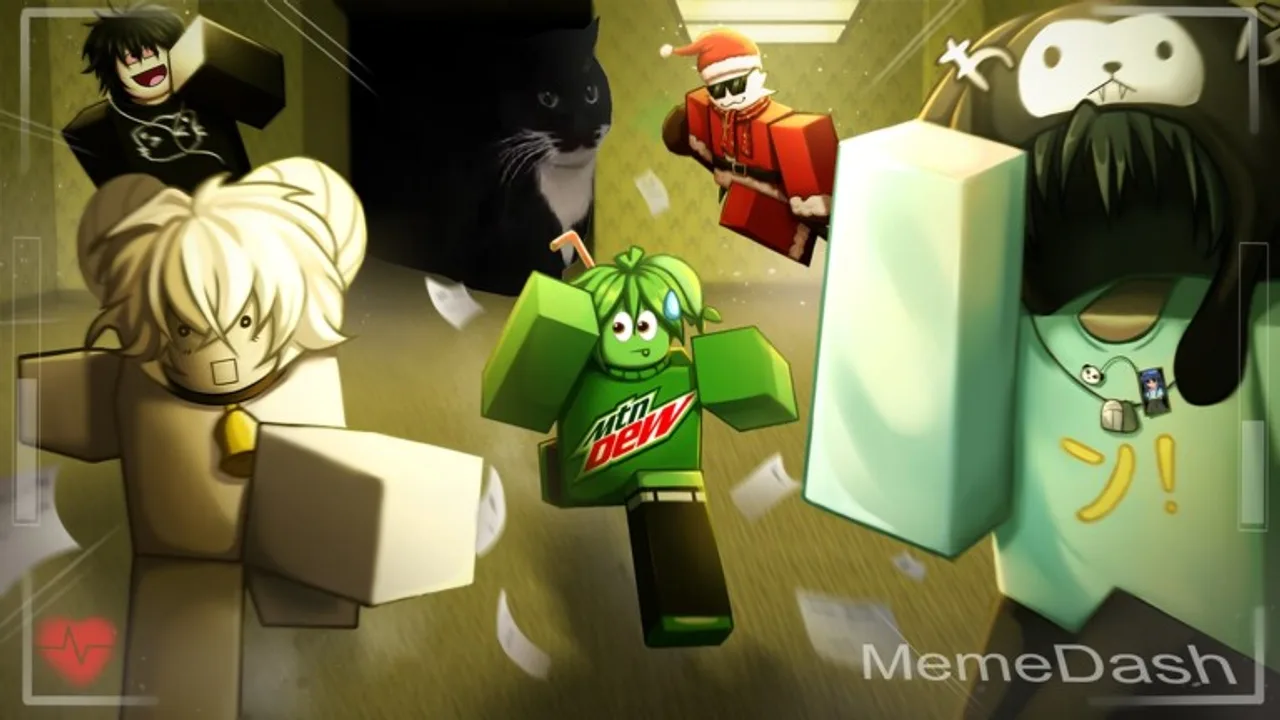
This guide explains how to redeem promo codes in MemeDash once an official code exists. MemeDash (Roblox) by Coleslaw Studio is still in early-access BETA v0.6, and as of November 2026 there are no confirmed public codes. Learning the flow now means you can claim a drop in seconds when an event or update ships one. Cross-check live strings on the Codes Hub before you paste anything.
If you are brand new to the game, skim Getting Started and Controls first so menu binds feel familiar. Movement practice on Bunny Hopping can wait until after you claim a limited-time gift.
Before you redeem
- Confirm the code is real. Only use strings listed on the Codes Hub or posted by Coleslaw Studio / the official MemeDash group. Ignore paid “private lists.”
- Join the correct place. Use the official experience: MemeDash on Roblox (universe ID 10388903695).
- Stay online long enough for the client to finish loading cosmetics and UI. Soft-locked menus are common if you mash keys during the join fade.
- Know your binds. Default menu key is [M]. VIP Menu is [N] on VIP servers—that panel is for private fun features, not the public codes form.
- Have inventory space / awareness. Some Roblox games deliver currency instantly; others wait for a toast. Watch the top of the screen after submit.
Step-by-step redemption
Follow this sequence whenever a verified code is active:
1. Launch MemeDash
Open Roblox, search for MemeDash by Coleslaw Studio, or click the official place link above. Public servers hold up to 15 players. Mild maturity and R6 avatars are the current defaults—your character type should not block code UI when it exists.
2. Finish join and open the menu
Land in a lobby or match, then press [M] to open the main menu. If nothing opens, check that chat focus is not stealing keystrokes, try again after a few seconds, or rebind notes from the Controls page.
3. Find Codes / Rewards / Gifts
Look for a button labeled Codes, Redeem, Rewards, Gifts, or similar. Exact wording can change between beta builds—MemeDash has already iterated naming from seasonal Halloween branding through PT2 into v0.6, so UI labels may shift after patches. If the entry is missing entirely, your build likely has no live promo surface yet.
4. Paste the code exactly
Copy from the Codes Hub table. Watch for:
- Extra spaces at the start or end
- Letter O versus number 0
- Letter I / l versus number 1
- Accidental lowercase/uppercase changes if the code is case-sensitive
Paste into the field and confirm with the on-screen Redeem / Submit button.
5. Verify the reward
Check for a success toast, currency bump, or new cosmetic. If the UI says success but you see nothing, leave and rejoin once, then re-open inventory. Still missing? Note the exact error text and compare against the troubleshooting section below.
VIP servers vs public codes
Pressing [N] on a VIP server opens the VIP Menu, which Coleslaw Studio uses for fun private-session features. That panel is not a substitute for public promo redemption. You can enjoy VIP tools and still redeem official codes on public servers when codes exist. For more on private-session extras, see Updates Hub coverage of the VIP panel in v0.6 patch notes.
Troubleshooting common errors
“Invalid code” / “Code not found”
- Re-copy from a trusted source; do not retype from memory.
- Confirm the code has not moved to the expired table on the Codes Hub.
- Wait a few minutes after an announcement—propagation can lag.
“Already redeemed”
Most Roblox promos are one claim per account. Alt accounts are against many game rules and still will not unlock duplicate public gifts if the code is global-once per user.
“Expired”
Event codes often die with the event. Archive them mentally and move on—do not keep retrying expired strings.
No codes button in the menu
During beta, the redemption UI may be gated behind an active campaign. An empty Codes Hub active table usually means there is nothing to redeem yet, not that you failed a hidden puzzle.
Menu will not open
- Ensure chat is closed.
- Try [M] again after fully loading.
- On some setups, overlapping Roblox focus issues need an Alt-Tab refresh.
- Review binds on Controls ([G] Emote, [C / Left Ctrl] Crouch/Slide, [M] Menu, [N] VIP Menu, [Z] Zoom).
Reward missing after success
Rejoin the experience once. If the reward is cosmetic, check wardrobe or emote lists. If it is currency, give the leaderstats a moment to refresh. Persistent misses after a confirmed official code should be reported through official Coleslaw Studio channels listed on Official Links.
Safety checklist
- Never share your Roblox password or cookie to “auto redeem” services.
- Avoid executors and claim bots; they can violate Terms of Use—read Scripts Hub and Movement Scripts for why account risk is real.
- Do not trust Discord DMs selling codes.
- Prefer HTTPS links that end on roblox.com for the game itself.
After you redeem: what to do next
Spend the gift, then get back to movement. MemeDash is about keeping momentum—bunny hopping, air strafing, sliding, and outrunning chaos. Useful next reads:
When a new patch lands, skim Updates so you know if redemption UI or rewards changed.
Quick reference
| Step | Action |
|---|---|
| 1 | Confirm code on Codes Hub |
| 2 | Join official MemeDash place |
| 3 | Press [M] for menu |
| 4 | Open Codes / Rewards |
| 5 | Paste exactly and submit |
| 6 | Verify toast / inventory |
Keep this page bookmarked beside the Codes Hub. Empty today does not mean empty forever—beta games often introduce codes during the first big seasonal or milestone push.
Frequently Asked Questions
Quick answers for MemeDash players.
What key opens the codes menu in MemeDash?
Press [M] for the main menu, then look for Codes, Rewards, or Gifts when that UI is enabled. [N] opens the VIP Menu on VIP servers and is not the public codes form.
I cannot find a codes button. Am I doing it wrong?
Often the button is simply not live yet. MemeDash is in BETA v0.6 with no confirmed public codes as of November 2026. Check the Codes Hub active table before hunting hidden menus.
Are codes case-sensitive?
Treat them as case-sensitive unless an official post says otherwise. Paste exactly from a trusted source to avoid O/0 and I/1 mistakes.
Can I redeem the same code on multiple accounts?
Most promos allow one redeem per Roblox account. Multi-accounting to farm gifts can break game rules and still may not work if limits are stricter.
Where do I report a broken official code?
Use Coleslaw Studio’s official group channels listed on the Official Links hub. Include the exact code, error text, and approximate time you tried.