MemeDash Movement Scripts Overview
What community cheat menus claim for MemeDash movement—and why you should not run them.
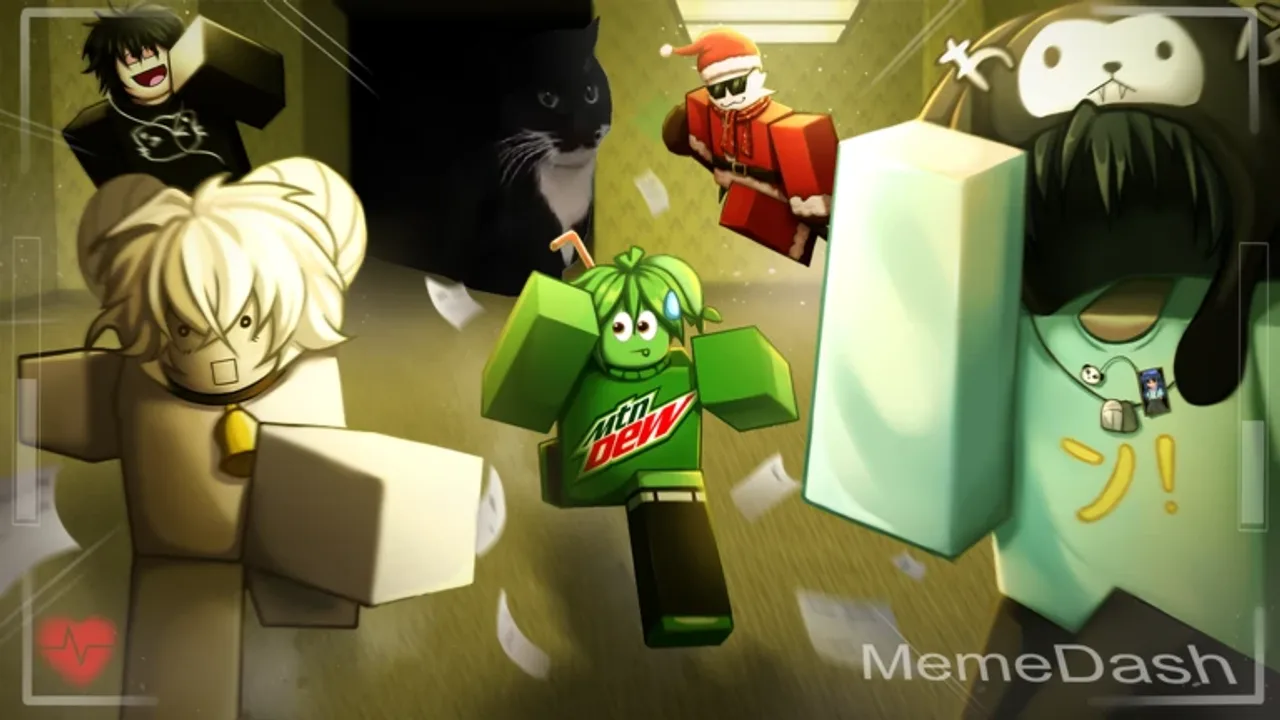
Movement scripts are third-party menus that try to automate or break MemeDash’s parkour rules. MemeDash (Roblox) by Coleslaw Studio is a BETA v0.6 survival movement game: bunny hop, air strafe, slide, keep momentum, outrun chaos. That fantasy collapses the moment flight, noclip, or wall ESP turns a skill lobby into a spectator zoo.
This page is an awareness and safety article. It explains feature buzzwords you will see in community hubs. It does not provide scripts, executors, loadstrings, or setup steps.
Critical safety disclaimer
- Scripts and exploit clients violate Roblox Terms of Use.
- You risk permanent account loss, including unrelated games and limiteds.
- Free executors are a frequent vector for malware, stealers, and session hijacks.
- “Undetected,” “keyless,” or “VIP script” marketing does not create safety.
- This wiki will never tell you to inject anything into the Roblox client.
If you arrived here looking for an Auto Farm 100m paste, stop and open Bunny Hopping instead. Skill transfers; bans do not reverse easily.
How these menus map to MemeDash
MemeDash cares about timing, strafe angles, crouch slides, and emote tech. Cheat menus usually ignore that craft and sell shortcuts. Below is a plain-language glossary of labels that appear around this game.
Auto Farm 100m
Claims to grind distance, loops, or meter-based goals without input. In a momentum game, automated paths create repetitive physics packets that look unnatural. Even when a farm “works” for a night, it trains you to avoid learning real routes from the Guides Hub.
Fly
Locks or boosts the character into free flight. It skips every intended parkour line and is among the easiest behaviors for other players to screenshot and report. Official fun flight-like toys—if any—belong on VIP servers through the [N] VIP Menu, not through injectors. See v0.6 patch notes for VIP panel context.
Walk Speed
Multiplies ground speed beyond fair strafing. MemeDash already rewards clean bunny hops and slides; artificial speed makes collisions and rubber-banding worse for everyone in a 15-player server.
Noclip
Disables world collision so you phase through floors and walls. That breaks map design, soft-locks quests, and is a classic anti-cheat signal.
ESP Players / ESP Bots
Draws boxes, skeletons, or names through geometry. In chaos-survival vibes inspired by experiences like EVADE, ESP removes the tension of reading motion and sound. It also escalates report rates when someone tracks you through opaque cover.
Fix Lag / Light Boost
Sometimes these toggles only force lower graphics or brighter lighting. Alone they sound harmless; in practice they are bundled inside the same risky loaders as fly and noclip. Prefer Roblox’s own graphics slider and [Z] Zoom habits from Controls.
AFK Guard
Auto-rejoin or anti-idle helpers sound useful during long beta sessions, yet they still typically require an injected environment. If you need a break, just leave the server—CCU peaks near a few thousand concurrent users mean you can requeue later.
Why movement cheats feel tempting (and still fail)
MemeDash sits in early access with millions of visits and a roughly 82% like ratio. New players bounce off advanced tech like Emote Hopping or Pixel Surf and hunt a menu that “plays for them.” Two problems follow:
- You never learn the strafes that make the game addictive.
- You import ban risk onto an account that might also hold limiteds, UGC, and group ranks.
Coleslaw Studio continues to ship movement-focused patches (Halloween branding → PT2 → v0.6, server size 10 → 15, VIP panel). Fair clients stay aligned with those updates; shady menus lag behind and break.
Legitimate movement stack (use this instead)
| Goal | Fair approach | Wiki link |
|---|---|---|
| First hour setup | Tutorial mindset, binds, VIP vs public | Getting Started |
| Core speed | Timed jumps and chain hops | Bunny Hopping |
| Advanced flair | Emote-timed boosts | Emote Hopping |
| Ground control | Crouch slides + air strafe | Sliding and Strafing |
| Niche tech | Pixel surf lines | Pixel Surf |
| Priority order | Ranked techniques | Movement Tech Tier List |
| Inputs | Full bind list | Controls |
Default binds worth memorizing: [G] Emote, [C / Left Ctrl] Crouch/Slide, [M] Menu, [N] VIP Menu, [Z] Zoom.
Parent and moderator notes
If you manage a younger player’s account:
- Treat any “script hub” download site as unsafe by default.
- Watch for sudden perfect flight paths or impossible wall clips on recordings.
- Prefer official Codes when promos exist—never paid code+script bundles.
- Keep Roblox 2FA on and never share cookies.
- Point kids to Official Links for the real place page and Coleslaw Studio group.
What this wiki will not do
- Will not publish working loadstrings.
- Will not rank executors.
- Will not provide “best script 2026” affiliate funnels.
- Will not hide the ban risk behind wink-wink language.
Return to the Scripts Hub for the high-level policy, and use Updates to track fair gameplay changes instead of cheat changelogs.
Bottom line
MemeDash is about momentum mastery. Scripts that sell fly, speed, noclip, ESP, and auto farms attack that fantasy and attack your account security. Read this glossary so you can recognize the pitch—then close the tab and practice a real bhop line.
Frequently Asked Questions
Quick answers for MemeDash players.
Are MemeDash movement scripts safe to use?
No. They generally require unauthorized clients, violate Roblox Terms of Use, and can lead to bans or malware exposure. This page exists to warn you, not to help you install them.
What is the difference between Walk Speed hacks and normal strafing?
Strafing and bunny hopping are intended skills taught in our guides. Walk Speed hacks multiply velocity through injected tools and break fair play.
Does ESP only affect other players?
ESP Players highlights humans; ESP Bots targets NPC or bot entities. Both remove intended information limits and can increase report likelihood.
Can Fix Lag scripts improve my FPS safely?
Any tool that needs an executor inherits that executor’s risk. Use Roblox graphics settings and lower effects instead of injected “Fix Lag” toggles.
Where should I learn real movement instead?
Start with Getting Started, then Bunny Hopping, Sliding and Strafing, Emote Hopping, Pixel Surf, and the Movement Tech Tier List.